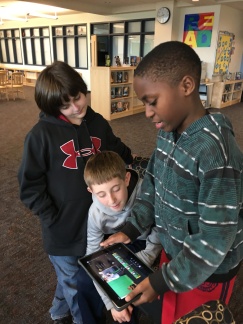
Doink is a new, fun and creative way to make animations on your iPad, iPhone, or iPod Touch. It will help your students become content creators and will push their creativity.
Within the Doink app, you can create your own custom piece of art with their vector drawing tools. In addition to just drawing, you can choose among their thousands of free art props, that anyone can use. After you’re done with your animations, you can bring them to life with their remarkable and powerful composition editor! You play all your clips (almost like a flip book) and turn it into an animation! If you’d like to share your masterpiece, you can save it to your camera roll and/or share it via social media with your friends, or with the world!
Here is a sample of the animation I created with the app. It is based off of my TED Ed Club topic, which I am presenting next Monday. It is about the effects of positive thinking.
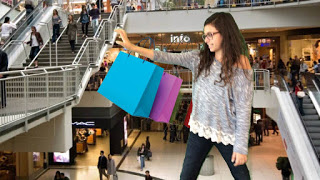
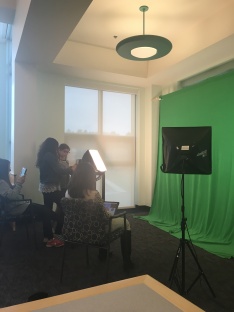
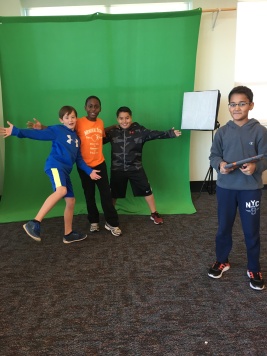
Another awesome feature in DoInk is the green screen. This is in a separate app but it is still a part of the original DoIink app. We have a green screen right outside the Help Desk, but I personally haven’t used it on the Doink app. But once I get more comfortable using the original DoInk app, I think that the green screen part will add that extra spark to whatever I create. I’m certain this will be an app I will use and promote amongst my classmates a lot more during the 14-15 school year. If you’re ready to explore this awesome app click here to lead yourself to the app store.
Although the app does cost money ($4.99 to be exact), I think it is a powerful tool that can be used in a wide variety of subject areas (my teacher agrees). It is somewhat challenging to learn, however I was able to find a tutorial created by teacher Colin Gallagher (shown below). I suggest doing what Mrs. Scheffer did, get the app, let your students “play” with it, and see what they can create with it. Enjoy!